What changed
We changed how BIRD loads models.
- You can upload a normal Model from Studio. You do not need a MainModule wrapper anymore.
- BIRD now inserts your asset contents directly into the Workspace. MainModule code no longer runs.
Do not publish MainModules in new models. Just publish the model directly.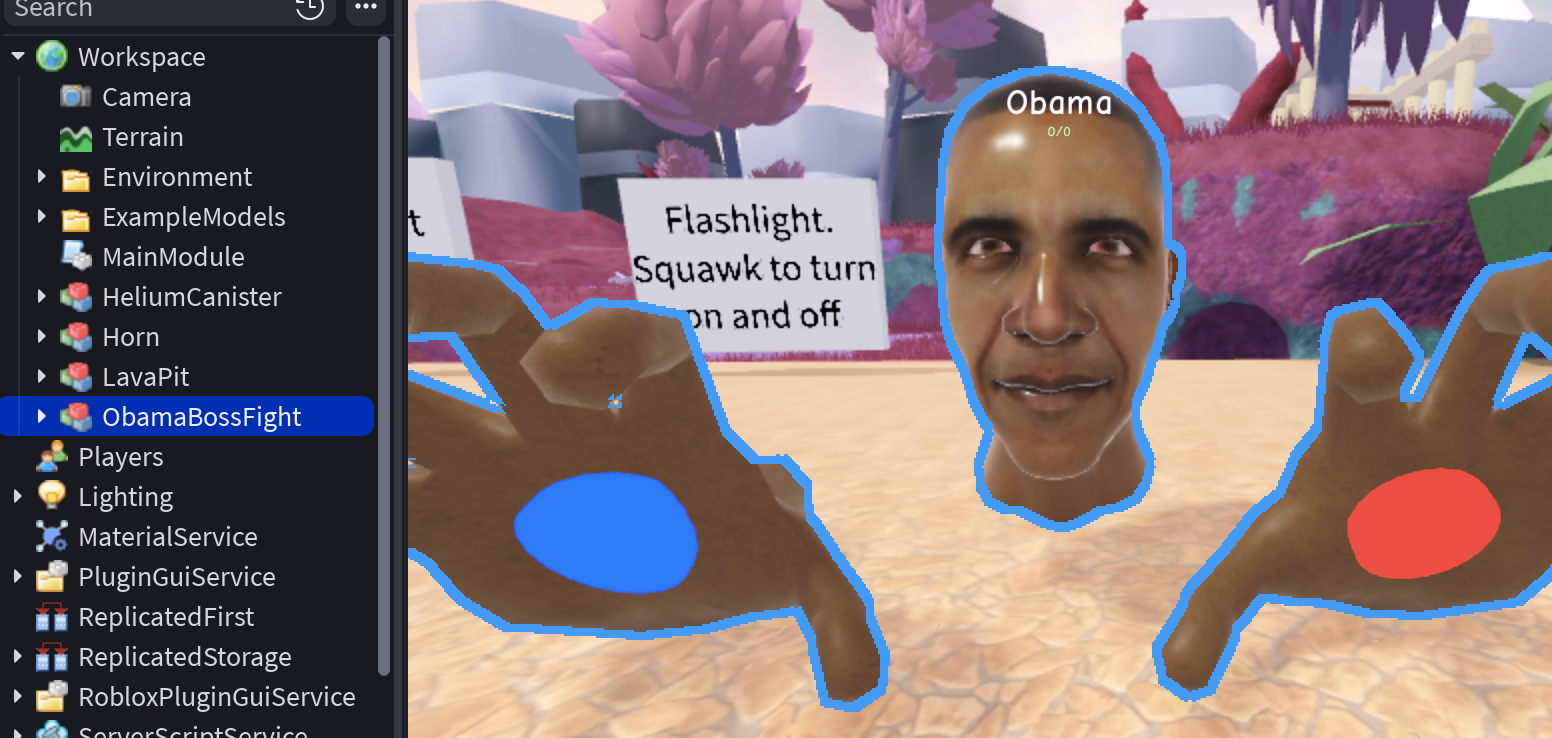
Model Configs
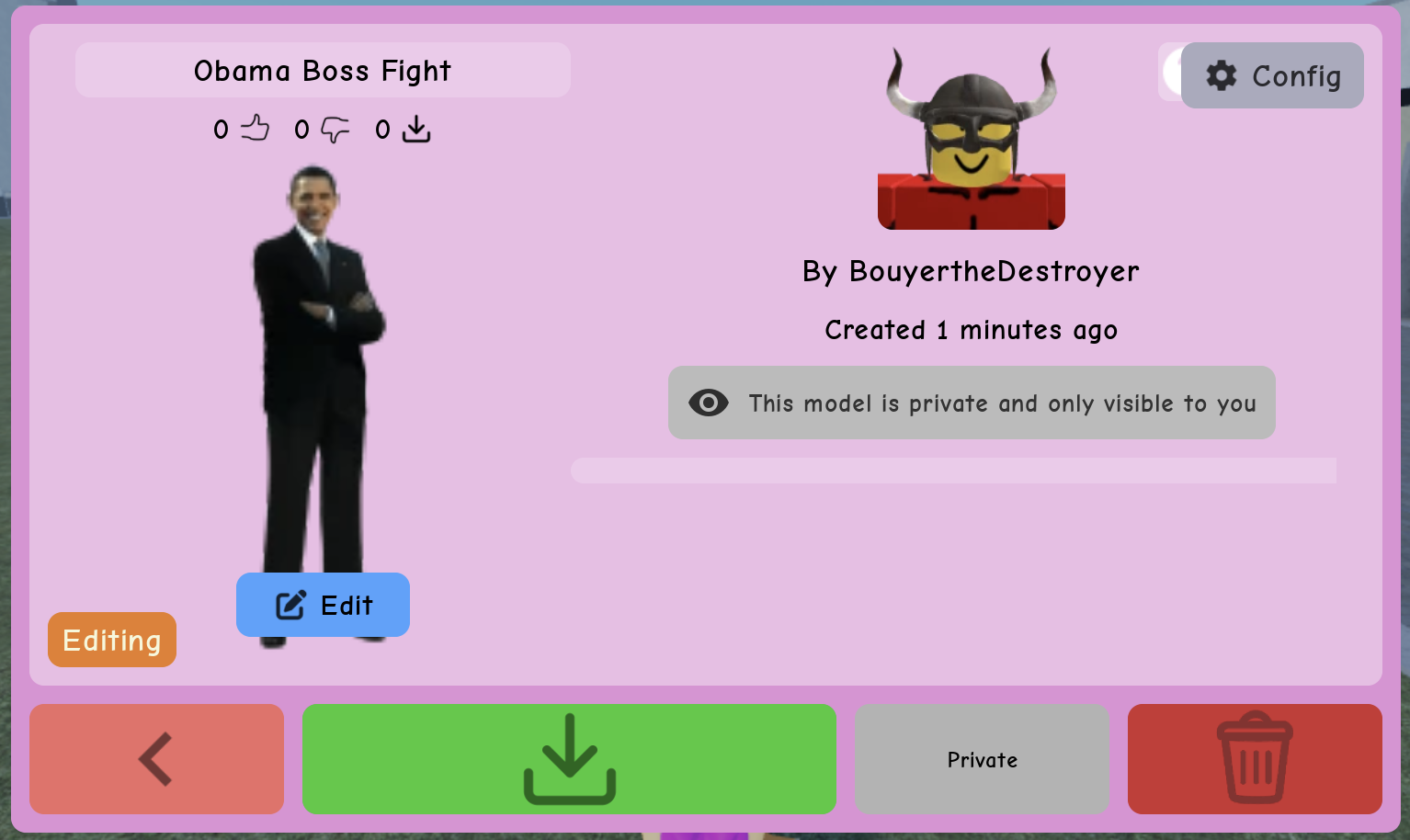
MainModule was also how people implicitly controlled how something behaved once inserted. We added clear settings instead of encoding everything in module structure. The big switch is Model vs Mod in Content Config (gear on your model’s details).
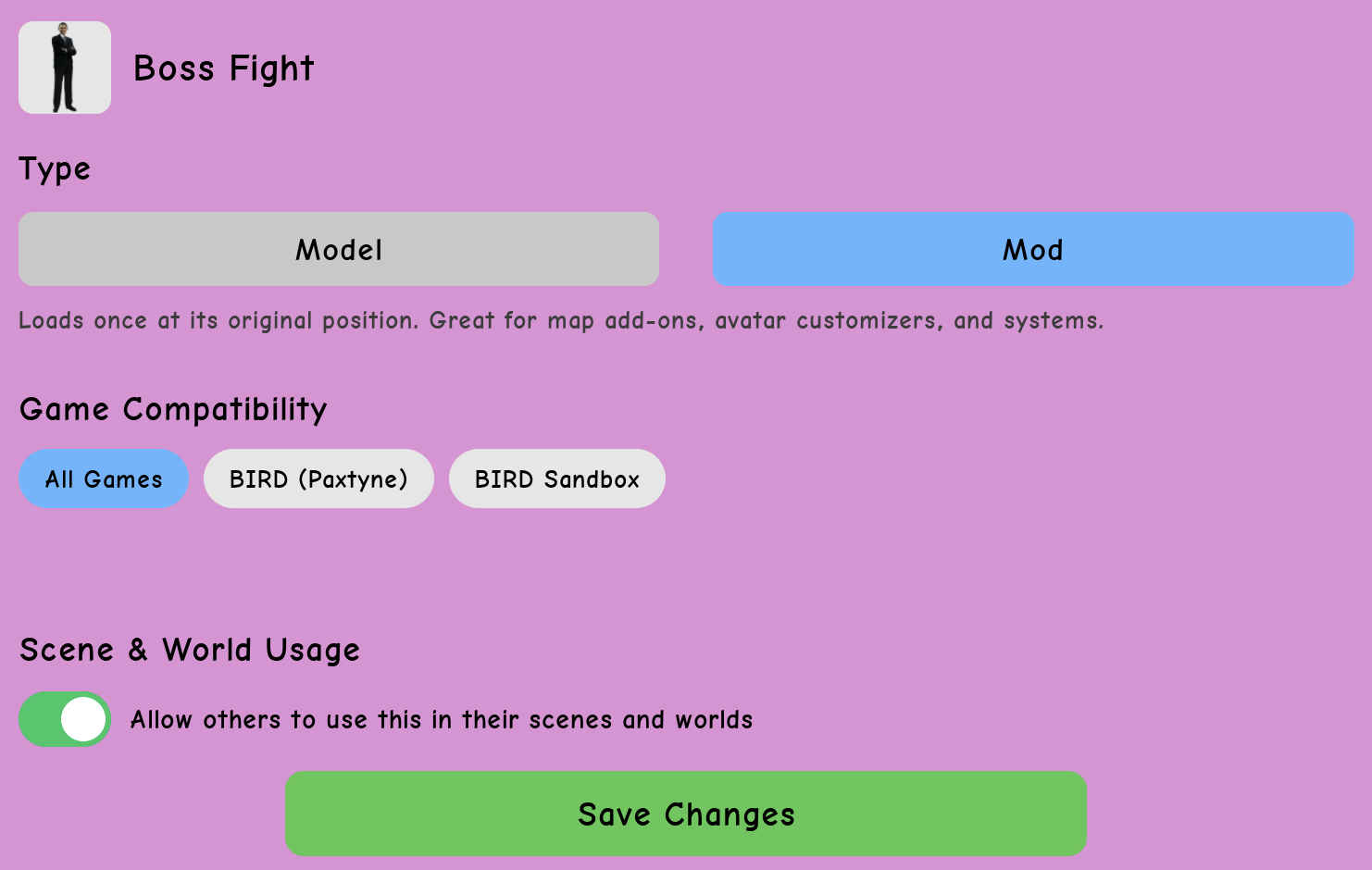
| Model | Mod | |
|---|---|---|
| Positioning | Models are positioned near the player when inserted. | Mods are not repositioned from where they were published in Studio. |
| Reinsertions | Models can be inserted multiple times. | Mods are inserted once per server. |
| Games | Models can be inserted in any game. | Mods can be limited to specific games. |
| Examples | Props, potions, vehicles, NPCs, buildings | Avatar editors, map extensions, game modes |
You’ll find these in Content Config on your model’s details. Use them for the cases you used to solve indirectly through MainModule packaging.
Why some models broke
Some models relied on custom setup code added to their MainModule.
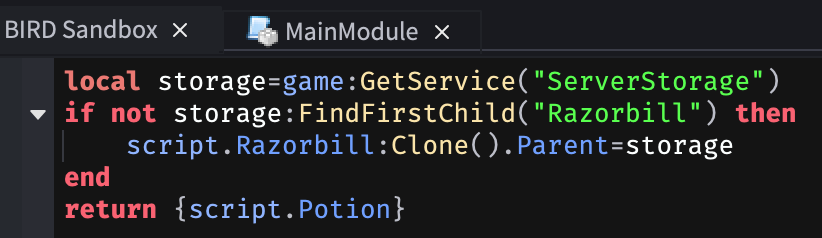
If your model did this, it may have broken. To fix this, move that logic into a Script inside the Model you publish, so it lives in the instance tree BIRD actually inserts. You should be able to achieve the same effect.
If you're stuck
If you recently changed an asset and insertion fails or content is missing, check:
- No reliance on MainModule running on insert — move setup code into Scripts under the Model.
- Model Config — model vs mod and game targeting match how you expect the model to be used.
We know this is a big shift from the old system. The new flow is meant to match how most Roblox models are already built—plain Models—while still supporting advanced behavior through scripts in the model and explicit options instead of MainModule magic.